
Connecting
In "Integrations" → "Telephony", connect your provider: Zadarma, Twilio, Telnyx or any SIP. Your numbers come in by themselves.
With Zadarma every call lands in the client's card with the recording, and the card gets a "Call" button: your phone rings first, then the client's.
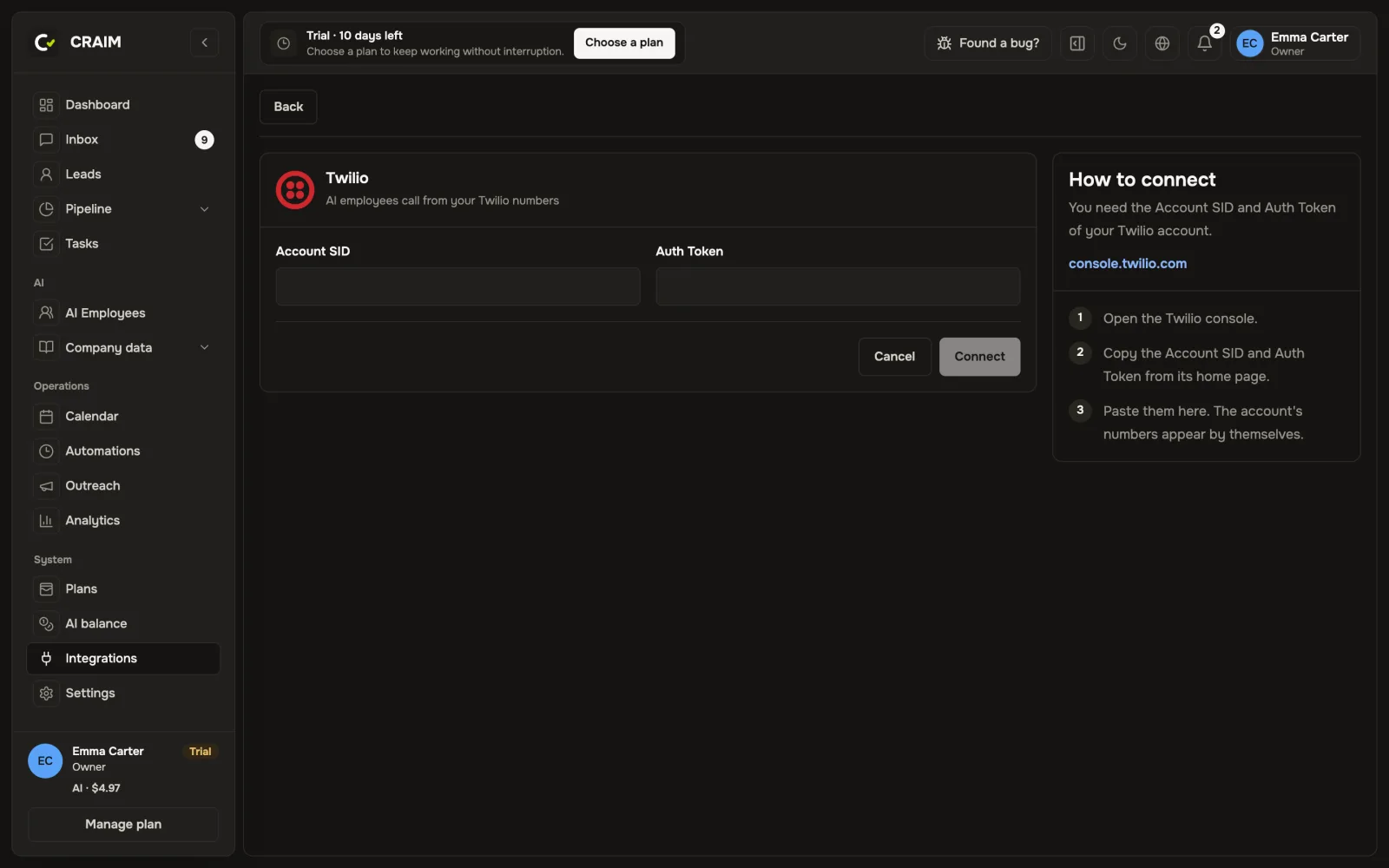 Connecting a telephony provider
A missed call
If a client called and nobody picked up, CRAIM sets a "Call back" task for the person responsible for the client. When you call back and the client answers, the task closes by itself.
AI employee calls
An AI employee can call clients by themselves, new requests for example. For that:
- On the number, switch on "AI employee calls from this number".
- Add a rule, for example "When a new request comes in → call".
- Choose the employee's voice on the "Voice" tab.
After the call the client's card gets the recording, the transcript and a short summary. If the client asked not to be called again, CRAIM remembers it.
AI only makes calls, by a rule. It does not take incoming calls.