
The AI profile is everything AI employees know about the company. You find it in "Company data" → "AI profile".
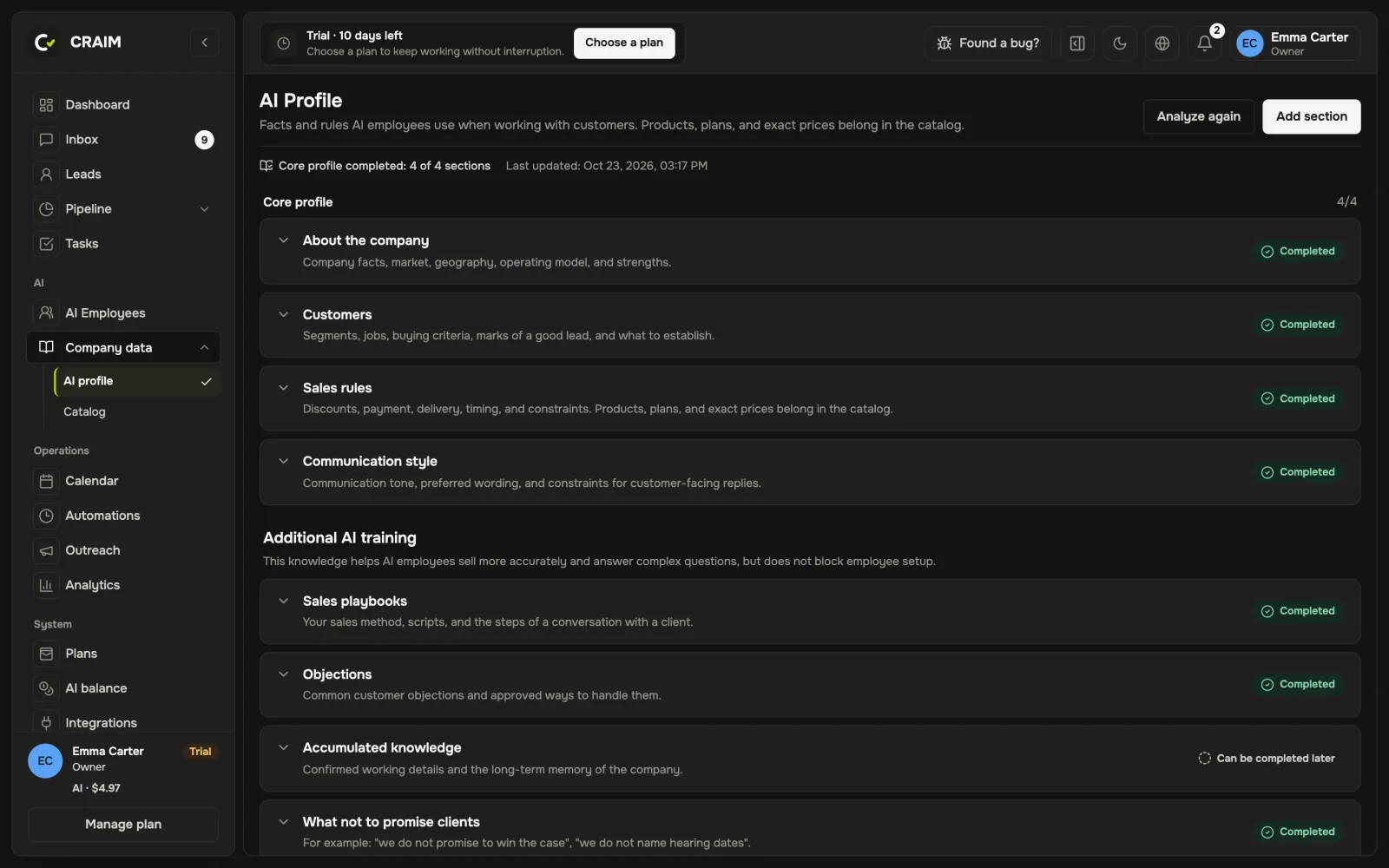 The AI profile with its sections
The main sections
- About the company: what you do, where and for whom.
- Clients: who your clients are and who you are not a fit for.
- Sales rules: prices, discounts, terms.
- Tone of voice: how you talk to clients.
While these four sections are empty, you cannot hire an AI employee: they would have nothing to say.
Below them are lists: objections and how to answer them, cases, what not to promise clients, promotions with an end date. A promotion stops being shown to AI by itself once it is over.
How to fill it quickly
Press "Analyze company" and give your website address, files (PDF, Word, Excel, presentations) or a link to a Google Sheet. CRAIM reads everything and shows what it suggests adding to each section. You look it over and press "Apply". If something in the materials is unclear or contradicts itself, CRAIM does not record it as a fact but shows it as a question for you.
Catalog
Products and services with prices live in the "Catalog". AI searches it when a client asks about a price or availability. The catalog can be imported from CSV and exported to Excel.
How AI learns
When you correct an AI draft or change a price in the catalog, CRAIM notices the new fact and suggests updating it everywhere it is written: in the profile, in the catalog and in the employee's instruction. You choose "Replace", "Edit" or "Not needed". That way one price does not differ from place to place.