
Pipeline
Deals on a board by stage. Drag a card to move the deal to another stage. You can have several pipelines, for example "Sales" and "Returning clients". You set the stages, their names and colors yourself.
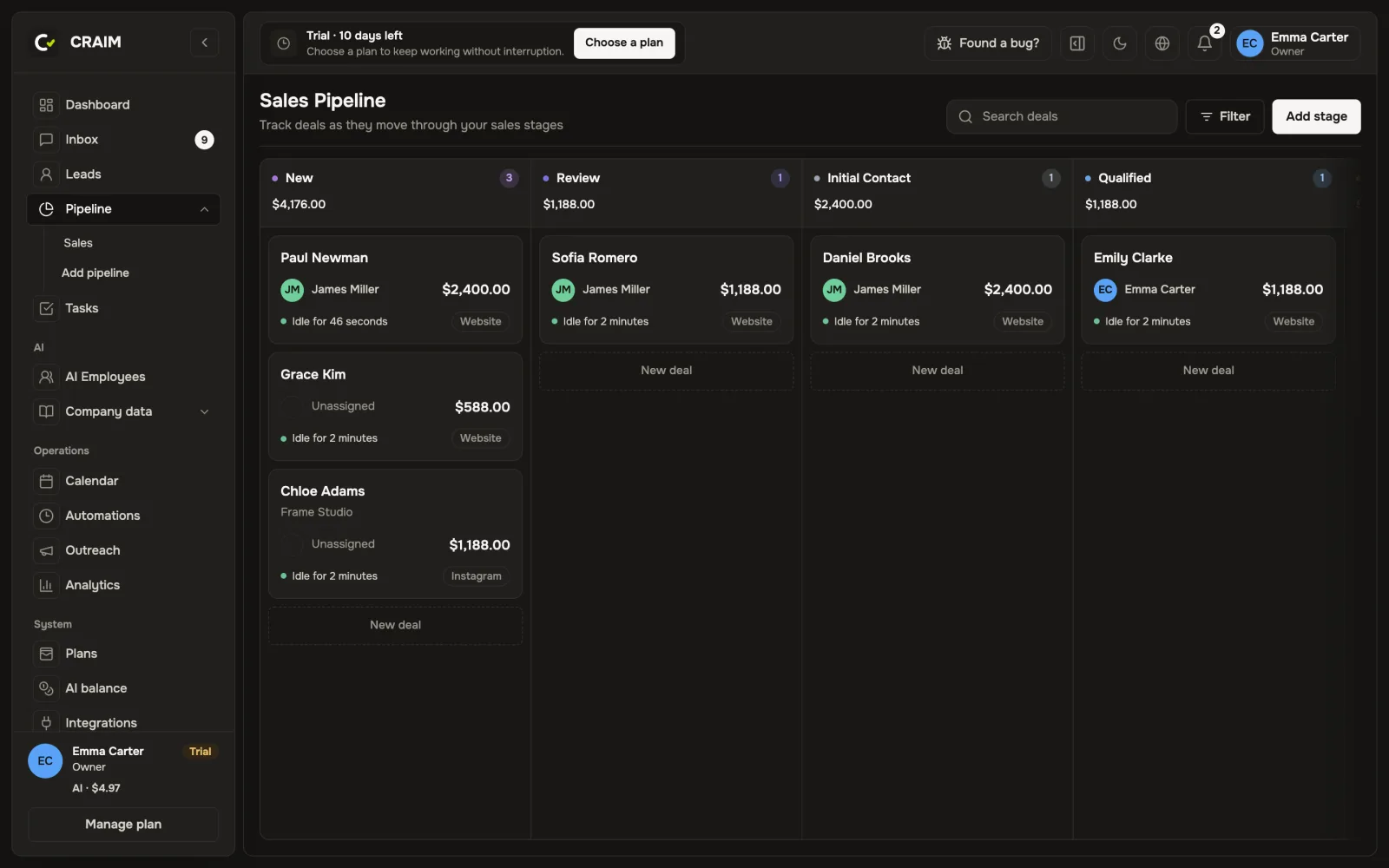 The pipeline board
Paying in parts
If a client pays in installments, split the deal amount into payments in the "Payments" block. CRAIM shows what is paid and what is overdue, and can remind the client about a payment by itself.
Dashboard
The main numbers for the chosen period: new deals, active conversations, calls, completed and overdue tasks, payments received and expected.
Analytics
Revenue, conversion, the work of the team and of AI employees in detail. Any report can be exported to Excel. The numbers are in the project's currency even if deals are in different currencies.