
Moving from amoCRM, Kommo, Bitrix24 and HubSpot
In "Integrations", choose your CRM and connect it. CRAIM moves contacts, companies, deals with their pipelines and stages, tasks, notes, files and calls. You can run the move again: what was already moved is updated, not duplicated.
The move goes one way: CRAIM takes the data but writes nothing back to the old system.
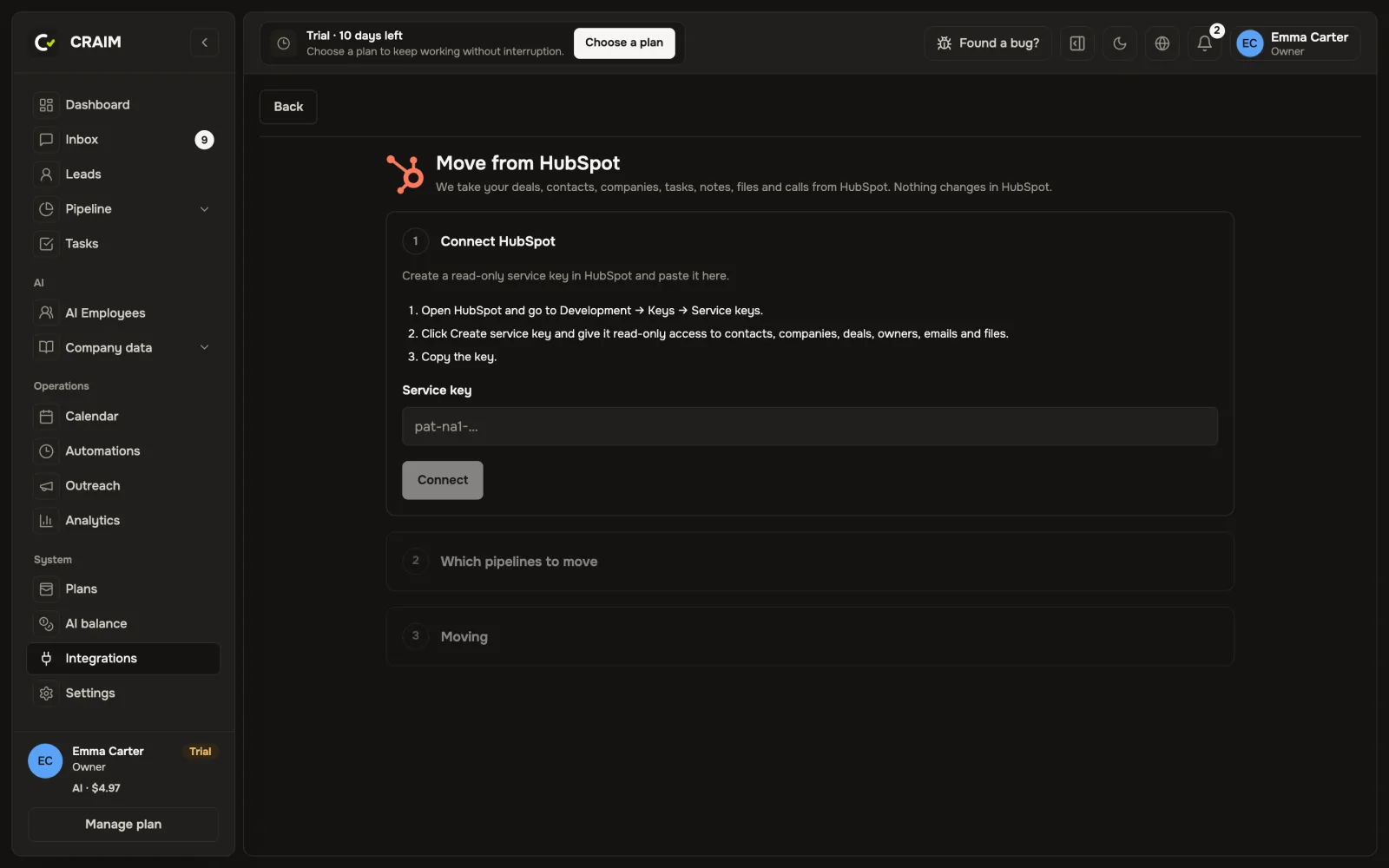 The move screen
Importing a spreadsheet
In "Leads", press "Import CSV". Upload a spreadsheet, match its columns to CRAIM's fields and choose a pipeline and a stage. For exports from amoCRM, Bitrix24 and HubSpot the columns match by themselves.
WhatsApp conversations
Old WhatsApp conversations can be brought in through "Import contacts and conversations": the export spreadsheet and an archive with photos and voice messages. Clients land in their cards with the whole history, and when one of them writes again, the conversation continues there.