
One line of code adds a chat button to your website. A visitor writes in the chat, a client card appears in CRAIM, and the AI employee answers them right on the site.
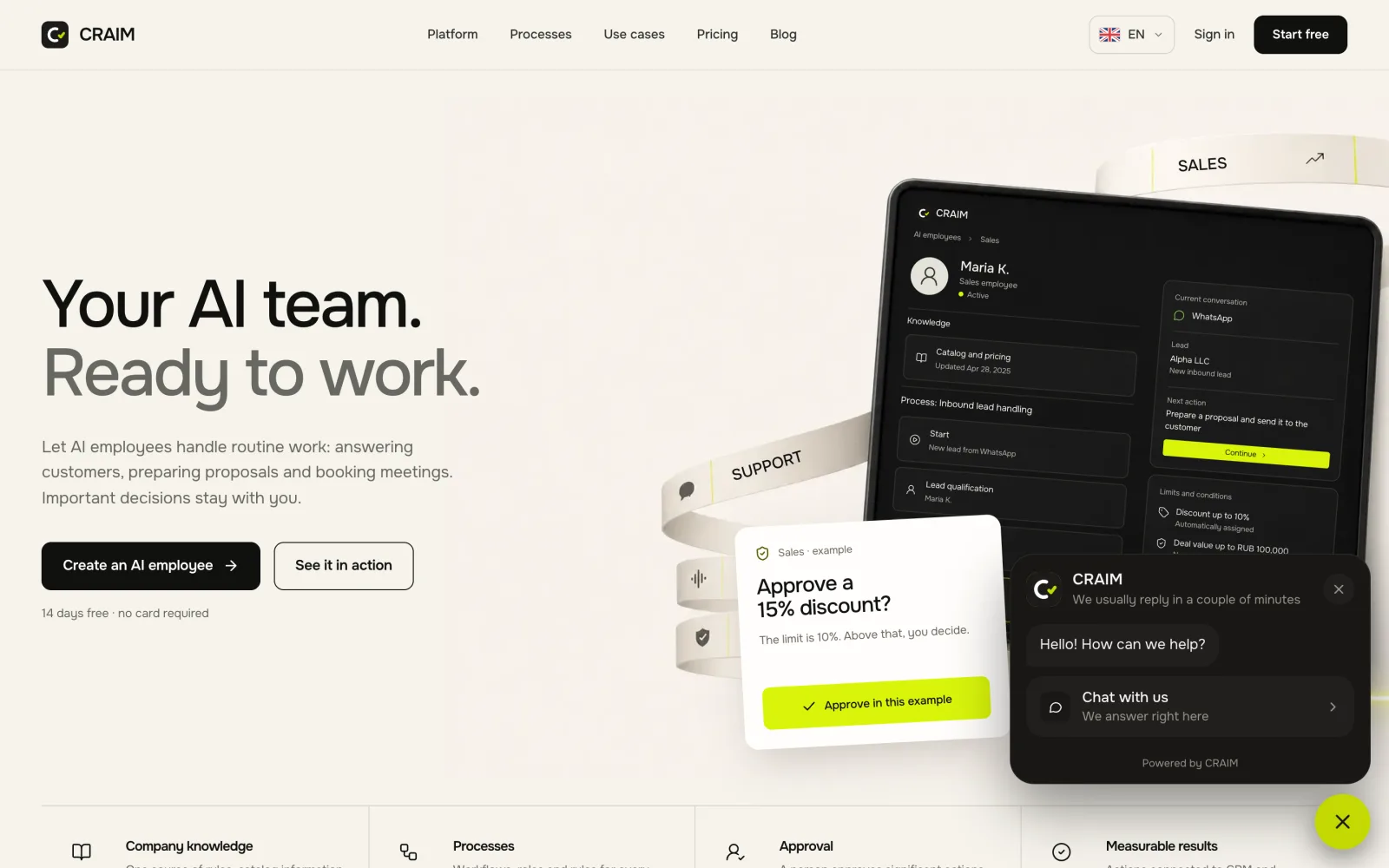 The chat on a website
How to connect
- In "Integrations", choose "Website".
- Enter your website's address.
- Copy the line of code and put it on your site. If a developer looks after your site, send them the code and the instructions straight from the form.
Forms
Besides the chat you can turn on ready forms: a request, a question, a bug report. A form opens from the chat button or from any button on your website. A request from a form becomes a lead in the right pipeline right away.
How it looks
In the same form you set your logo, the title and the greeting, and choose the colour and the theme. The logo sits in the chat's header; without one the header shows the title's first letter. The colour is usually your brand's; leave it empty and the chat takes CRAIM's. The theme is light, dark or like the visitor's device.
Language
The chat's buttons and captions come in English, Russian and Spanish. You write form titles and the greeting yourself, in your language. AI answers a visitor in the language they wrote in.