
A rule reads as one sentence. For example:
- "When a new request comes in → set the task 'Call the client'".
- "When the client is silent for 1 day → remind them about us".
- "When the client asks for a person → hand the conversation to the one responsible".
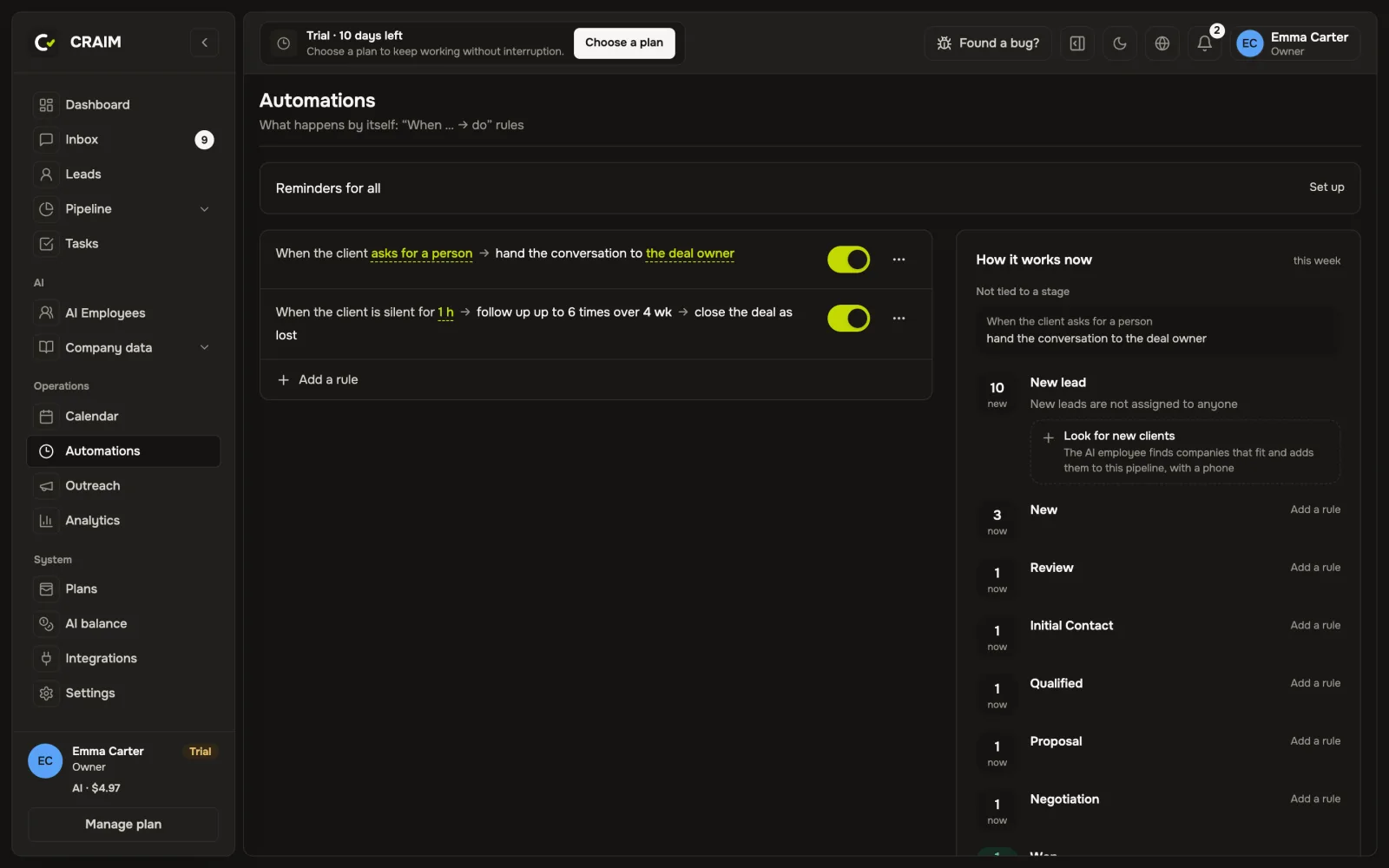 The list of rules
How to add a rule
Open "Automations" and press "Add a rule". Choose when it fires and what to do: write to the client, set a task, move the deal, call, notify a colleague. The values in the finished sentence can be changed right in it by pressing on them.
What rules can do
- Fire on events: a new request, a move to a stage, the client wrote or went silent, a call ended, a payment is due.
- Run on a schedule: for example, every Monday at 9:00.
- Watch the team: a client waits longer than 15 minutes for a reply, nobody called back after a missed call, a task is overdue.
- Wait for working hours, so clients get no messages at night.
- Stop when the client replies.
Ready rules when you hire
An AI employee hired by a ready role comes with their own rules. For example, the "Sales manager" role reminds a client who went silent. You can change or switch them off.