
A campaign
Open "Outreach" and press "Create outreach". Choose who it goes to: all clients, selected ones, or clients on certain pipeline stages. Write the text yourself or ask AI. The text can include the client's name. Send the campaign right away or schedule it.
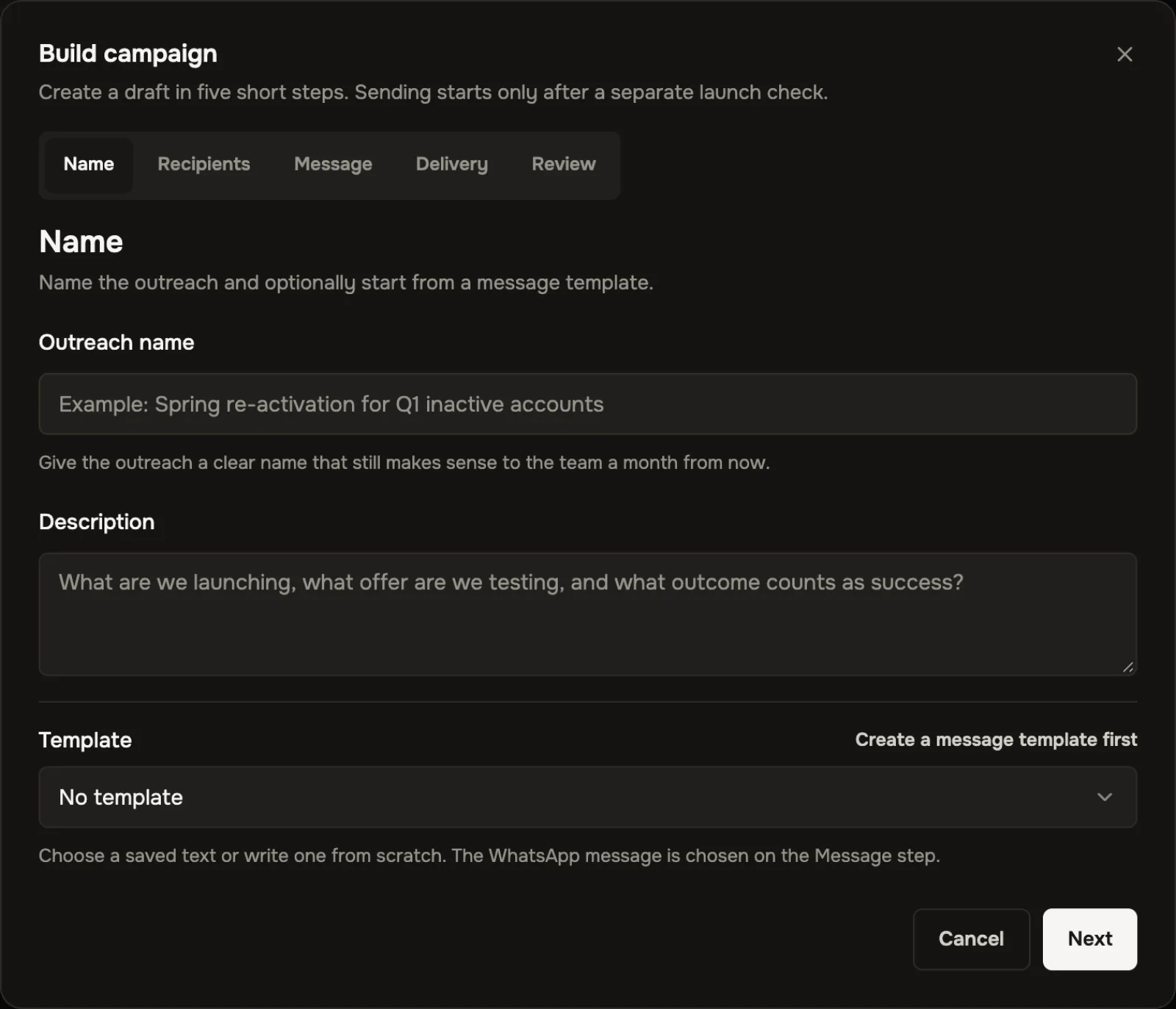 The campaign form
How to write to a client first
Not every channel lets you write first. CRAIM tries in turn: first the channel where the client has already talked to you, then the ones you listed in "How to write to a client first". If the message did not get through, CRAIM tries the next channel. The client's card shows where it tried.
WhatsApp: consent and approved messages
WhatsApp allows marketing messages only to people who agreed, and only with messages WhatsApp approved. Mark consent on the client's card, or for everyone at once in the campaign form. Pick an approved message from your own, or write a new one right in CRAIM and send it for approval.
Unsubscribing
If a client pressed "Unsubscribe" or answered "stop" to a campaign, they get no more campaigns on that channel. The regular conversation with them goes on.