
Kinds of tasks
- Message: write to a client.
- Phone call and Meeting: with a start and an end time. They appear right away in the calendar of the person they are assigned to, and in their Google Calendar if it is connected.
- Task: everything else.
Create a task on the "Tasks" screen, on a client's card, or ask the assistant in the right panel.
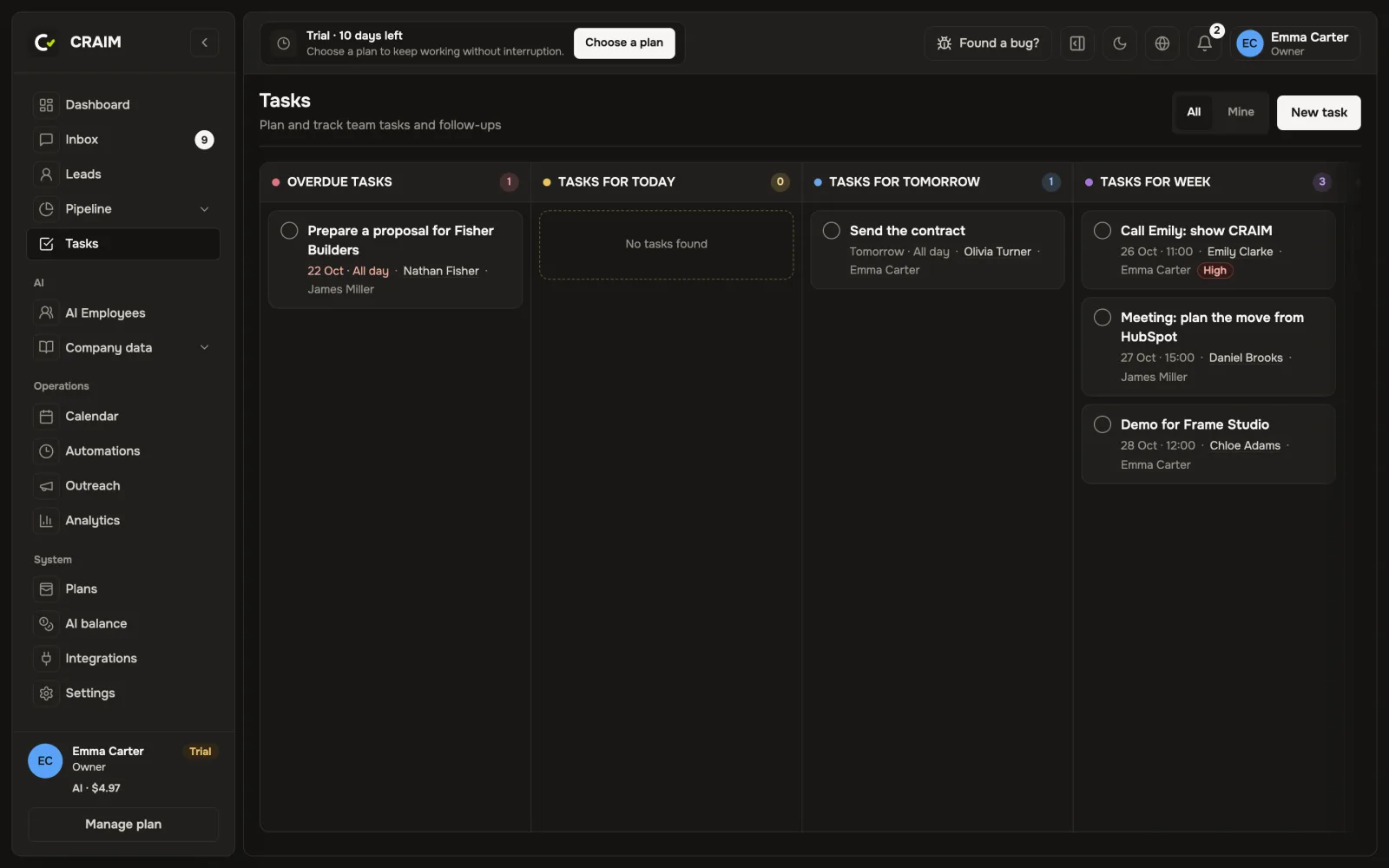 The task board by due date
A task for an AI employee
A regular task can go to an AI employee, for example "Check whether the client fits our criteria". When it is due, they do it and leave the result as a note on the client's card. If they cannot, the task goes back to a person with an explanation.
Reminders
- An overdue task comes to Telegram.
- Every morning you get an email with the day's tasks.
- A meeting can have a reminder the number of minutes before it you choose.
Everyone chooses what to receive and where in "Settings" → "Notifications".
Calendar
The calendar shows the team's calls and meetings. Connect Google Calendar, and your personal events show as "Busy" so that colleagues and AI do not book anything over them.